Why Your AI Images Stall at "Almost Right" (the Fix Isn't a Better Prompt)
Your AI images always feel "almost right". The free Creative Feedback Loop lets you pin feedback, compare every version, and finish them inside Claude.
TL;DR
- AI models generate creative assets quickly but often leave them in an 'almost right' state.
- Current AI chat interfaces hinder the iterative feedback process needed to refine creative work.
- Limitations include difficulty pointing to specific areas for edits, losing track of good versions, and inefficient collaboration via screenshots.
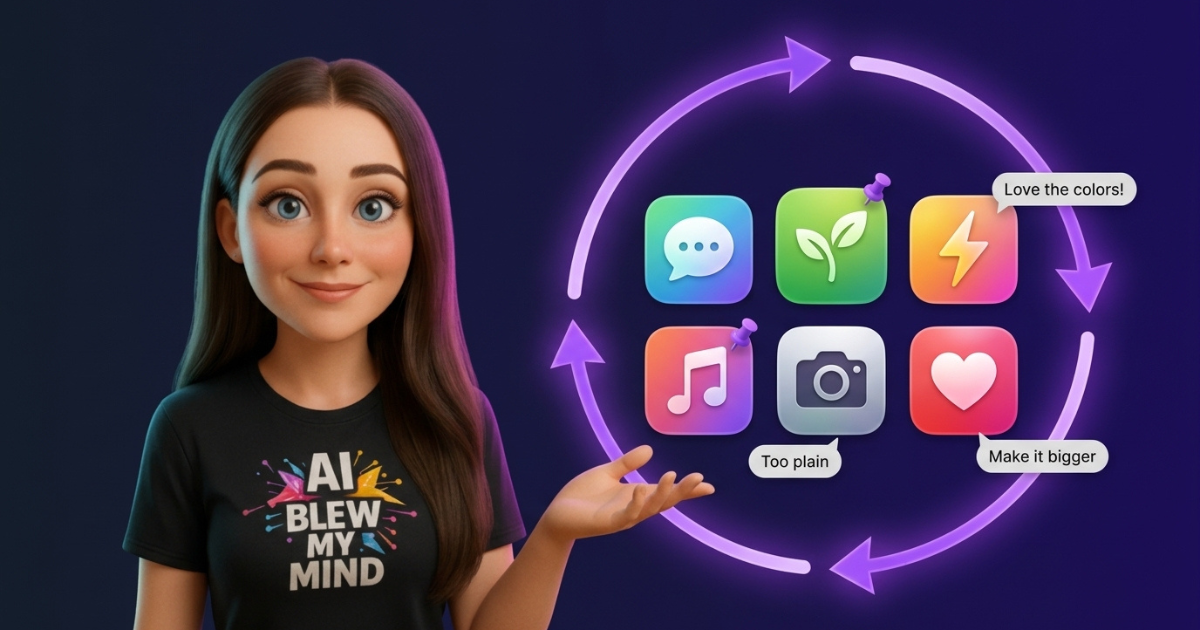
- The Creative Feedback Loop, integrated into Amplifiers and Claude, provides a dedicated platform for reviewing and refining AI-generated content.
- Key features include side-by-side comparison, pinned feedback on images, highlighted text feedback, shareable review links without requiring accounts, and multi-round iteration.
- This tool supports various creative assets like logos, ad visuals, social posts, book covers, and more.
- The Creative Feedback Loop aims to make AI-generated assets production-ready by facilitating detailed feedback and iterative improvement.
- A prompt library is available to help users generate stronger initial batches for refinement.